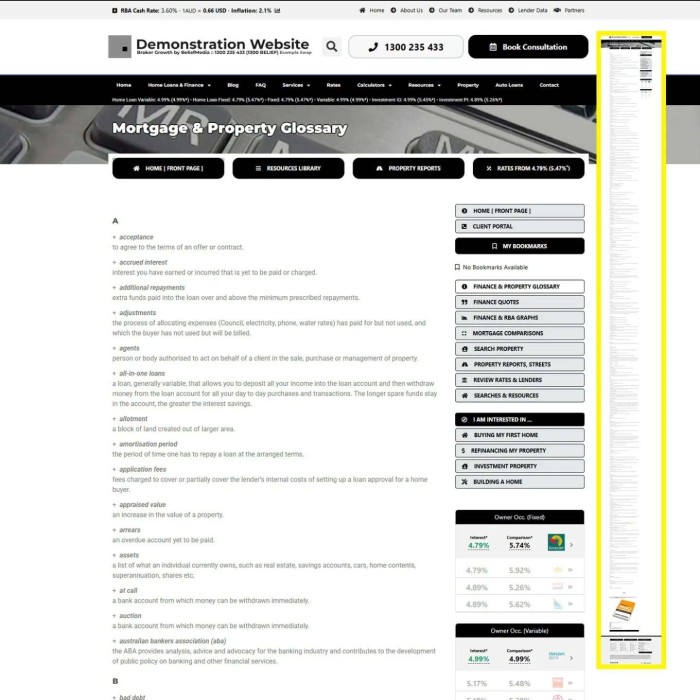
The one page on you website that nobody will ever visit but it still essential to have is your glossary. It's important for clients to have access to glossary terms, but you don't want them visiting a page (or even worse, Google), when they need a definition.
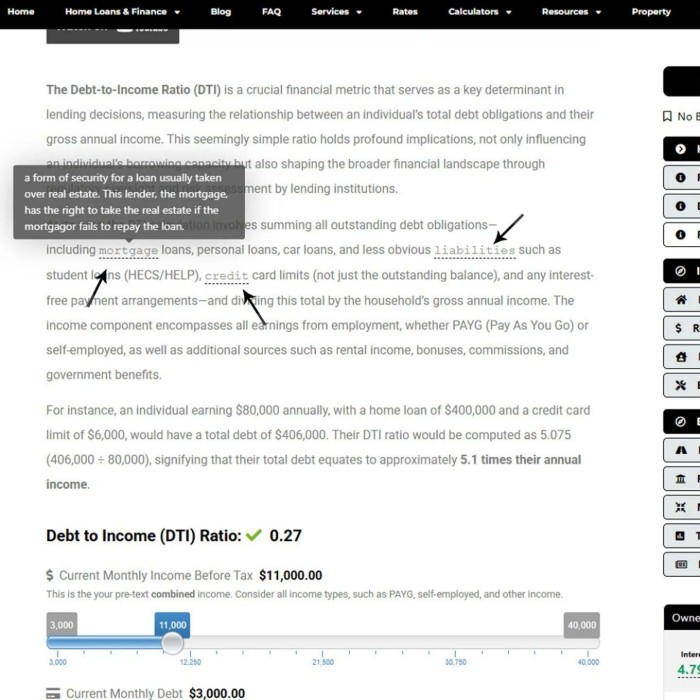
We obviously provide a glossary page, but selected glossary terms (as defined in Yabber) may be applied to text on your blog and FAQ pages as a tooltip. Formatted similarly to a link, a user hovers over selected terms to return the popup definition.
A lot of little things add up to a big thing, and this feature is one of those little things.
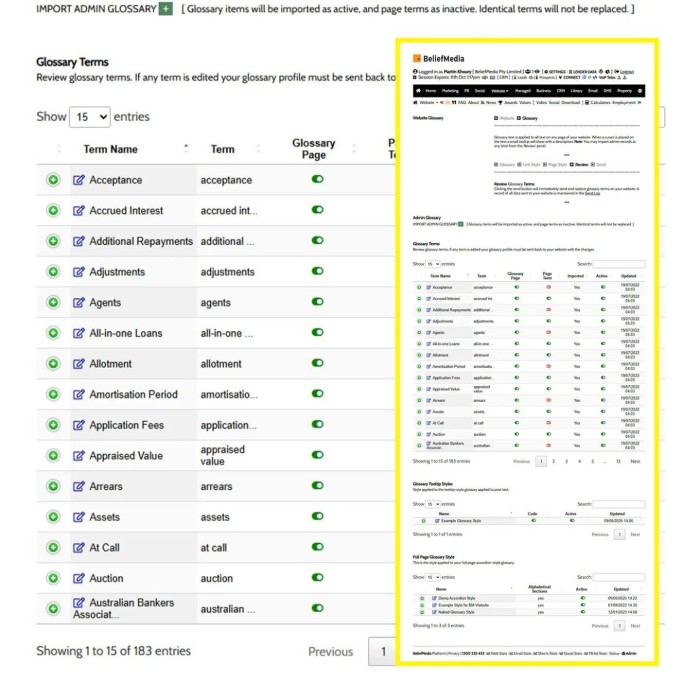
Definitions are added to Yabber in seconds, and the control over terms, definitions, page style, tooltip style, and page tooltips are managed in Yabber. Easy.